
Browser agents need authority-aware execution
Cloud agents solve where the agent runs. Browser handoff solves whose account it can safely use. For logged-in workflows, agents need permission boundaries, not just browser access.
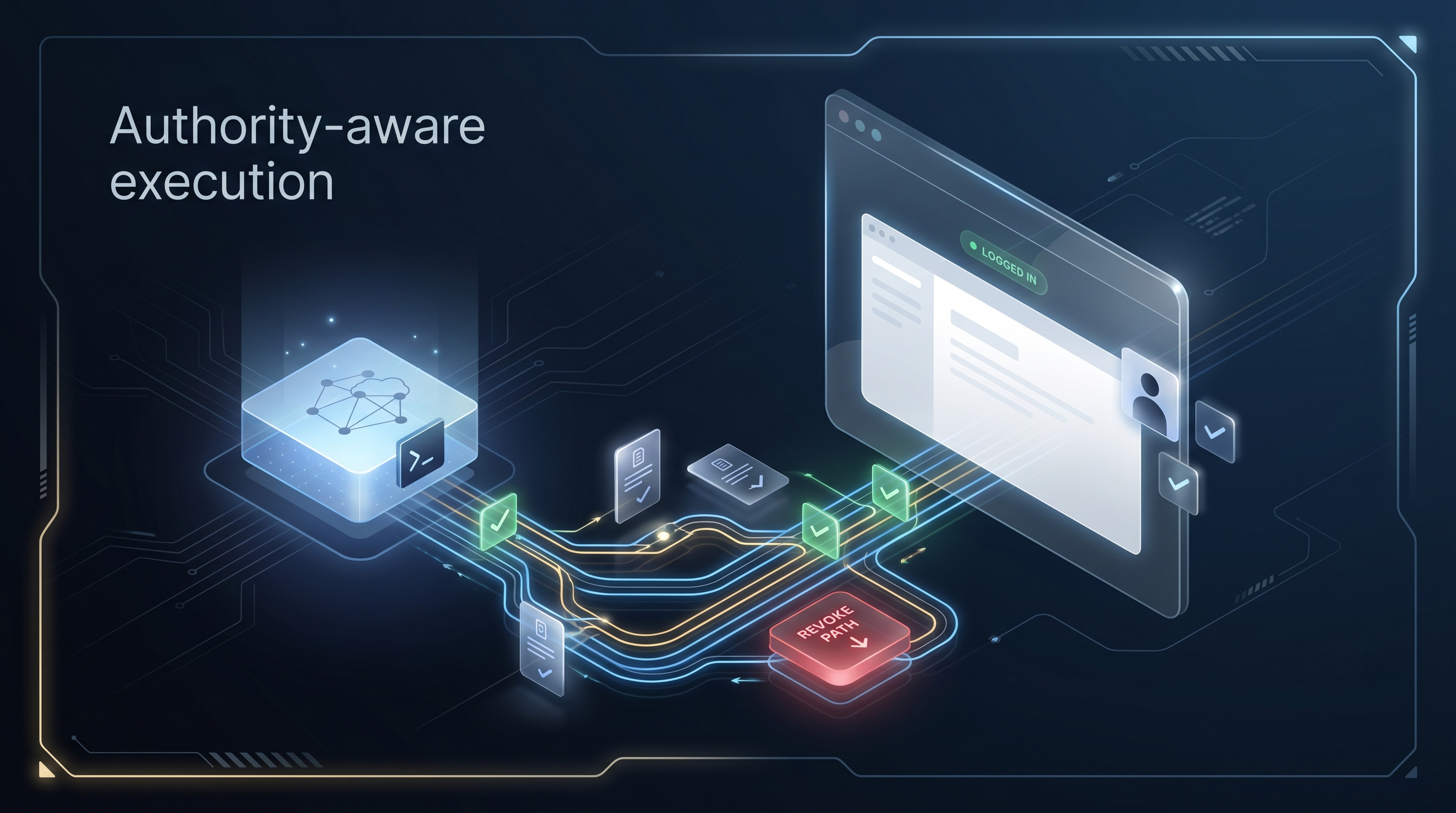
Cloud agents are starting to make runtime handoff feel normal.
You can send an agent to a cloud VM. It can keep working after your laptop closes. It can have a shell, files, an IDE, a browser, and enough continuity to finish a long task without you babysitting the process.
That is a real improvement. But it exposes the next problem.
A cloud browser is not the same as your browser.
The moment the agent needs to operate inside a real logged-in account, the clean demo starts collecting sharp edges: SSO, 2FA, anti-bot checks, account-specific state, existing tabs, saved context, user consent, and audit expectations.
Copying cookies into the cloud is the wrong default. Re-authenticating every time is brittle. Giving the agent credentials is worse.
Desktop MCP solves one half of the problem
Desktop and browser MCP setups have the opposite strength. They can inherit the browser session you already have. The agent can work with the account state that exists on your machine instead of starting from a blank cloud browser.
That matters. The logged-in browser is often the workflow.
But local-only control creates its own constraint:
- the user’s machine has to stay online;
- the agent often has to run near the browser;
- remote, mobile, chat-driven, or 24/7 agents hit a boundary;
- long-running workflows become awkward when the browser and runtime are tied together.
Desktop MCP is powerful for local control. It is not the whole remote-agent story.
The missing shape is runtime separated from authority
The better architecture separates where the agent runs from whose browser authority it can use.
The agent runtime might live in Claude Code, Cursor, OpenClaw, n8n, a cron job, a cloud worker, or a chat interface.
The browser authority should remain in the user’s real Chrome session.
That distinction matters because the browser session is not just context. It is authority.
A signed-in browser can read private data, send messages, update CRM records, post publicly, submit forms, delete content, change settings, or spend money. Treating that as “just browser access” is too broad.
The question is not only:
Can the agent use a browser?
The better question is:
Can the agent use the right browser authority, from the right runtime, with the right permission boundary?
Account-aware is useful. Authority-aware is sharper.
There is a useful phrase emerging in browser automation: account-aware execution.
It means the script is not enough. The account profile, cookies, local storage, browser state, workflow state, review rules, and task logs are part of the runtime.
That is right for team browser automation.
For AI agents, the sharper version is authority-aware browser delegation.
The account is often not a synthetic profile in a fleet. It is a real human’s logged-in Chrome session. That makes the browser not only account context, but account authority.
A script needs the right account context.
An agent needs the right permission boundary.
Read-only and posting should not share the same permission
Browser work should be permissioned by action class.
Reading a page is different from drafting a reply. Drafting is different from clicking submit. Clicking submit is different from deleting content, changing billing, or modifying account settings.
A practical permission model should separate:
- observe / read;
- draft / prepare;
- click / type / navigate;
- submit / post / delete / spend;
- admin or settings changes.
Read-only research and externally visible actions should not share the same permission.
This is especially obvious in social and support workflows. Letting an agent inspect a profile, summarize an inbox, or draft a response is useful. Letting it publish, refund, update an account, or message a customer needs a gate.
What a browser-handoff layer should provide
A real browser-handoff layer should do more than forward clicks.
It should provide:
- Scope before execution — what can this agent touch?
- Approval during execution — when does the user need to say yes?
- Receipts after execution — what clicked, changed, or failed?
- Revoke when done — how does the user remove access?
- Cookie locality — are credentials and cookies staying in the browser, or being copied into the runtime?
This is the layer BrowserMan is built around: agents can run anywhere, while the signed-in browser stays on the user’s device. The agent receives delegated browser access, not credentials. Cookies stay local. Access can be scoped, attributed, approved, and revoked.
The boring workflows are where this gets valuable
The most useful browser agents are rarely the flashiest demos.
They are things like:
- checking a support inbox;
- drafting customer follow-up;
- enriching CRM records;
- publishing CMS updates;
- looking up an order;
- preparing a refund;
- researching leads across logged-in tools;
- updating admin SaaS dashboards.
These workflows need real account context. They also need boundaries.
That is why the category should move past “agents need browsers.”
Agents need browser authority they can safely borrow.
Cloud handoff solves where the agent runs.
Browser handoff solves whose account it can safely use.
The product gets real at that boundary.