
The Approve Button Is the Boundary Between Drafting and Doing
Drafting is cheap. Doing creates side effects. For browser agents that can refund, publish, message, or update records, approval gates and receipts are the real product boundary.
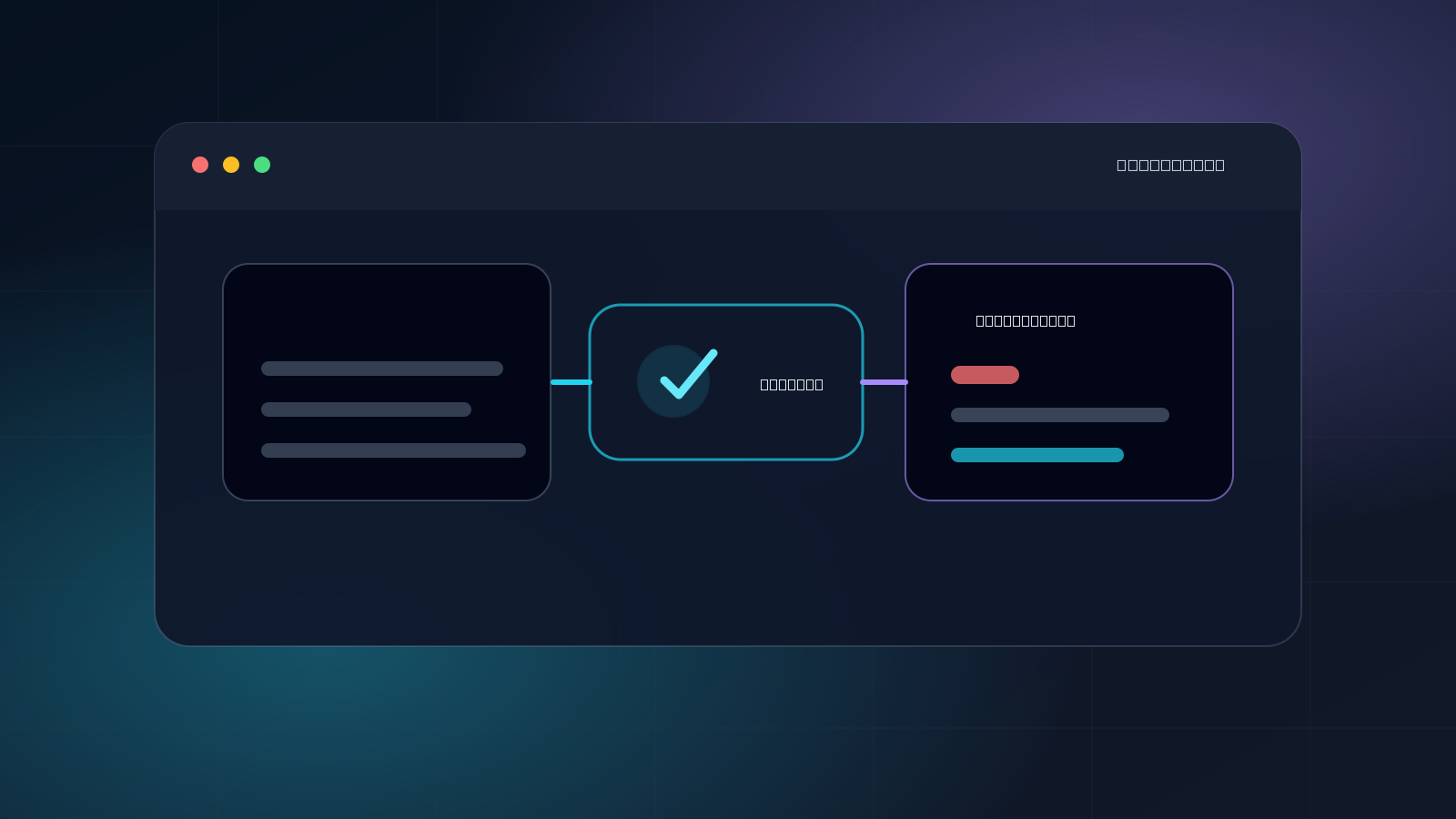
A support agent drafts the perfect refund reply.
Then a human still has to open Stripe, find the customer, issue the refund, update the support ticket, and make sure the account state actually changed.
A content agent writes a useful SEO article.
Then a human still has to open WordPress, paste it into the CMS, set metadata, check the slug, and decide whether it is safe to publish.
A sales agent researches a lead and writes a follow-up.
Then a human still has to send the message, update the CRM, and move the deal stage.
This is the gap most agent demos hide: drafting is not doing.
The dangerous transition is not from text to clicks. It is from local work to external side effects.
That is where the approve button stops being UX polish and becomes the product boundary.
Drafting is cheap
Drafting can happen almost anywhere.
An agent can draft a refund response, a sales follow-up, a WordPress post, a CRM update, or a cancellation note without touching the outside world. The draft can be wrong, but the blast radius is small. Someone can review it, edit it, ignore it, or throw it away.
That is why so much early AI workflow software stops at drafting. It is safer. It demos well. It avoids the hardest permission problem.
But it also leaves the real work unfinished.
If a human still has to issue the refund, cancel the subscription, publish the page, update the customer record, or send the message, the agent has not automated the workflow. It has produced a suggestion.
Suggestions are useful. They are not execution.
Doing is where trust starts
Doing means changing another system under a real account.
That might mean:
- issuing a refund;
- cancelling a subscription;
- publishing to a CMS;
- updating a CRM record;
- sending a support reply;
- submitting a form;
- changing a billing plan;
- moving a customer through an admin workflow.
These are not just clicks. They are side effects.
Once an agent can create side effects, the core question changes. It is no longer only “is the model smart enough?” It becomes:
- Which account is the agent acting through?
- What is it allowed to touch?
- Where is the approval line?
- What evidence is left after the action?
- How can access be narrowed or revoked?
That is the difference between an assistant that drafts work and an agent that can safely carry it out.
The browser session is authority
A lot of operational work still happens inside logged-in web apps: support dashboards, CRMs, CMS tools, admin panels, billing portals, social platforms, partner portals, and internal tools.
That means the browser is not just a viewport. It carries authority.
The session contains cookies, account state, app permissions, customer context, and live production access. Giving an agent the ability to use that session is more like delegation than navigation.
That delegation can be powerful. It is also exactly where the product has to become careful.
A good agent workflow should not require handing over passwords or moving every workflow into a remote browser just to automate the last mile. It should be possible to delegate access to the real browser session while keeping credentials local, scoping what the agent can do, and revoking that access when the work is done.
That is the safer frame: delegated browser access.
Before: scope and approve
The approval gate matters most when an action leaves the machine.
Drafting a reply is one thing. Sending it to a customer is another.
Generating a post is one thing. Publishing it to a live site is another.
Suggesting a refund is one thing. Issuing the refund is another.
The approve button should sit at that boundary. Not because every click needs ceremony, but because some clicks move money, publish content, message people, or alter customer/account records.
The approval line should be concrete:
- approve this message before sending;
- approve this refund before issuing;
- approve this CMS update before publishing;
- approve this CRM change before saving;
- approve this form submission before submit.
A vague “agent is allowed to use the browser” is not enough for high-risk workflows. The useful question is narrower: what can this agent do, in this session, for this task, before control returns to the user?
During: use the real browser without sharing credentials
For many workflows, the most useful execution environment is the user’s existing browser.
It already has the right login state. It already works with the messy JavaScript app. It already has the account, permissions, and context that the human uses every day.
The important distinction is that using the browser does not have to mean sharing credentials.
A delegated browser model can keep the authority where it belongs:
- the agent gets controlled access to a real Chrome session;
- cookies and credentials stay in the browser;
- the agent can run from elsewhere;
- access can be scoped;
- the user can revoke it.
That is the difference between giving an agent a browser session and giving it your password.
After: leave a receipt
The approve button matters before the agent acts.
The receipt matters after.
If an agent touches refunds, CMS posts, CRMs, customer records, or admin tools, “it probably worked” is not enough.
A useful receipt should make the action auditable and debuggable:
- which account or browser session was delegated;
- which site or app was touched;
- what action was attempted;
- what final state or confirmation appeared;
- what browser/runtime context explains a failure;
- which agent initiated the action;
- when access can be narrowed or revoked.
This becomes more important once automation becomes infrastructure. When a workflow breaks, leads slip, tickets pile up, onboarding freezes, and someone has to figure out what happened.
Screenshots help, but they are not the whole receipt. Browser state, network behavior, DOM state, confirmations, timestamps, and agent attribution matter too.
The real boundary
The future of agents is not only better reasoning. It is better delegation.
Drafting is useful. But the business value usually appears when the agent can safely do the thing: issue the refund, publish the page, update the CRM, submit the form, send the message.
That is where BrowserMan’s view is simple:
The browser session is authority. Delegate it carefully.
Scope before execution. Gate risky actions. Leave receipts after.
That is the boundary between an assistant that suggests work and an agent that can actually carry it out.